Now live on the Chrome Web Store
Restyle
any website.
A browser sidebar that puts visual control in your hands — dark mode, custom fonts, AI-generated themes, and more. No code required.
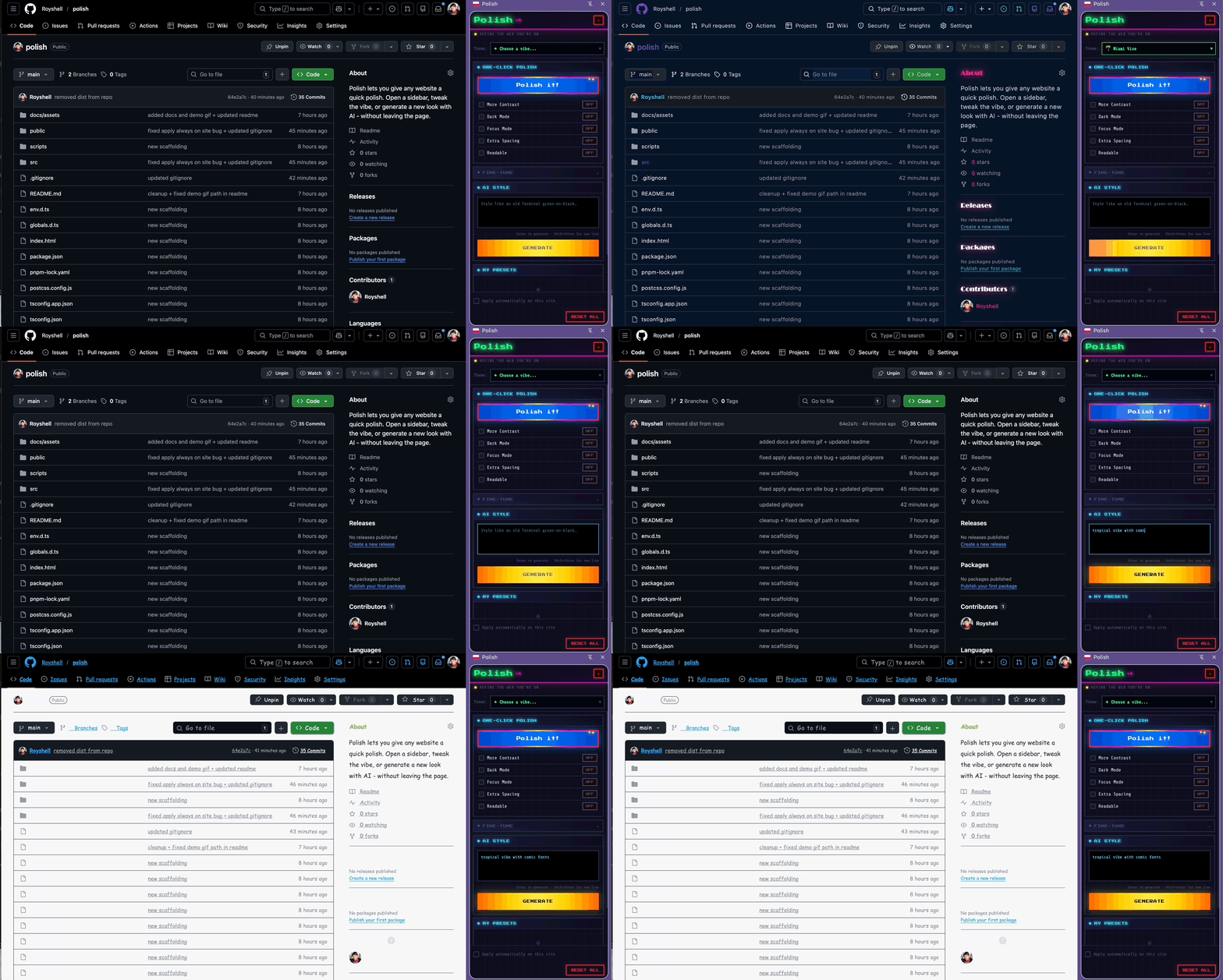
A browser sidebar that puts visual control in your hands — dark mode, custom fonts, AI-generated themes, and more. No code required.
Six ways to transform any page — from one-click presets to AI-generated styles.
Toggle dark mode, focus mode, readable fonts, high contrast, and extra spacing in seconds.
Curated full-page vibes — Miami Vice, Cyber Mode, Night Owl, and more. One click, whole page.
Browse the entire Google Fonts catalog and apply any typeface to any page, live.
Describe a look in plain text. Get custom CSS injected instantly. Powered by Groq.
Adjust font size, heading scale, background color, text color, and font family with precision controls.
Save any style you create and re-apply it across any site, any time.
One click, no configuration. Polish lives in your sidebar — always there, never in the way.
Click the Polish icon in your toolbar. The side panel opens without interrupting the page.
Pick a preset, toggle a switch, or type a description like "warm sepia, large text, serif font". Polish handles the CSS.
Save your style as a preset and apply it to any site with one click. Your styles, your web.
Built on Manifest V3 with a privacy-first API proxy — your credentials never leave the server.
Free. No account needed. Works on any website.